
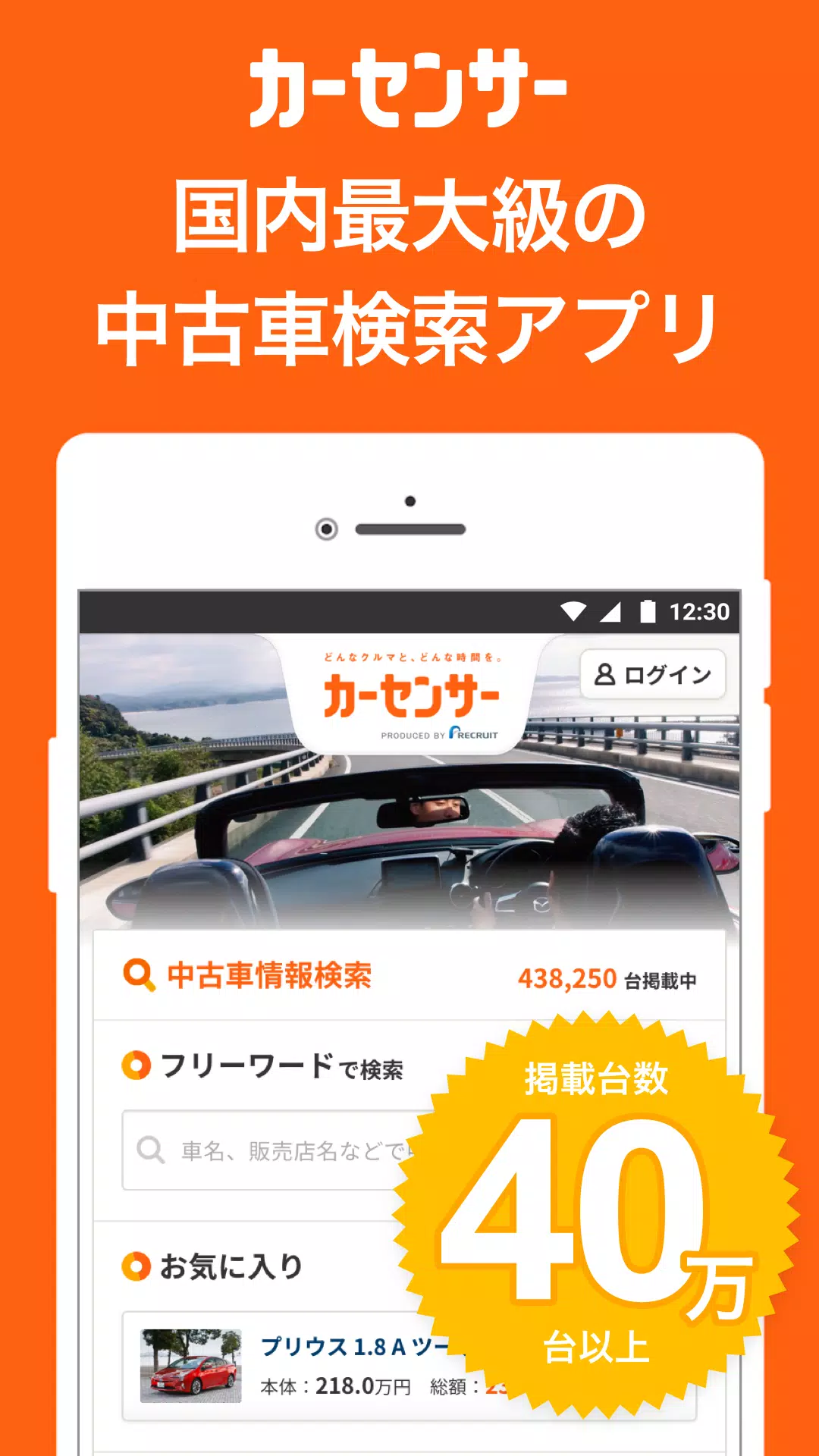
Searching for a used car? Japan's largest used car app, Car Sensor, offers the most vehicle listings. Browse over 500,000 used cars nationwide and find your ideal vehicle with confidence.
Searching for a used car? Japan's largest used car app, Car Sensor, offers the most vehicle listings.
With over 500,000 used cars nationwide,
You can confidently find the right car for you.
Contacting dealers and making phone calls is completely free! Feel free to get in touch.
To search for used car and dealer information, please use the user-friendly Car Sensor app!
■ Easily search approximately 400,000 used cars nationwide using various filters!
You can search by multiple criteria, including make, price range, and location.
Refine your search by model/grade, body type, vehicle condition, equipment, transmission, and inspection status.
Prefer to search with specific terms? You can also use the free word search!
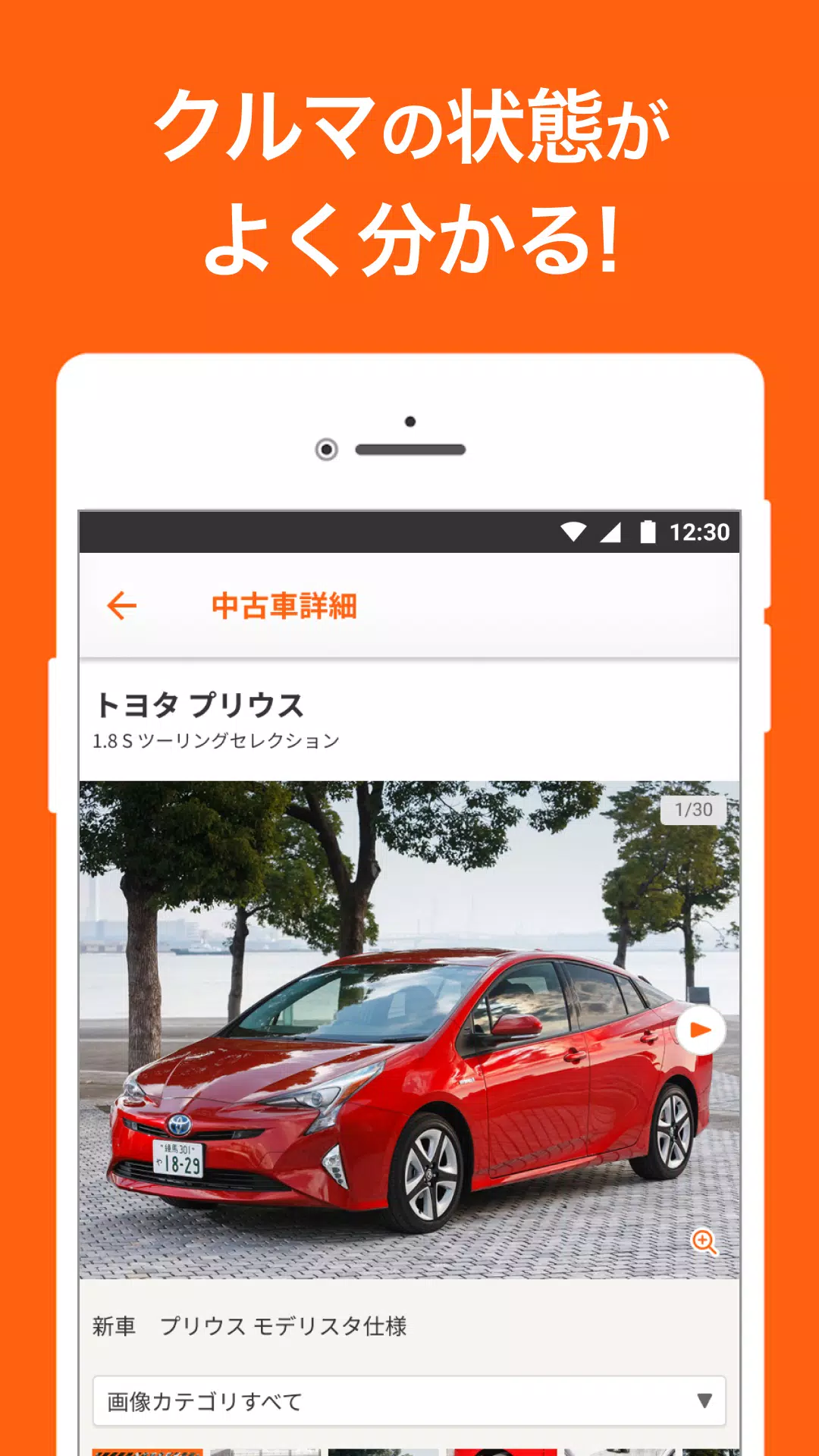
■ Instantly check detailed information for any used car that interests you!
Each listing features clear, comprehensive details on basic specs and equipment. Examine the car's condition thoroughly with multiple high-quality photos.
Additionally, find essential buying information like purchase plans, original new car specifications, and details about the selling dealer.
■ Contacting dealers is simple! Reach out directly from the vehicle details page!
If you find a car you like, you can freely request a quote, check availability, or ask about the vehicle's condition.
You can also call the dealership directly to confirm details.
■ Easily compare cars by saving them as favorites!
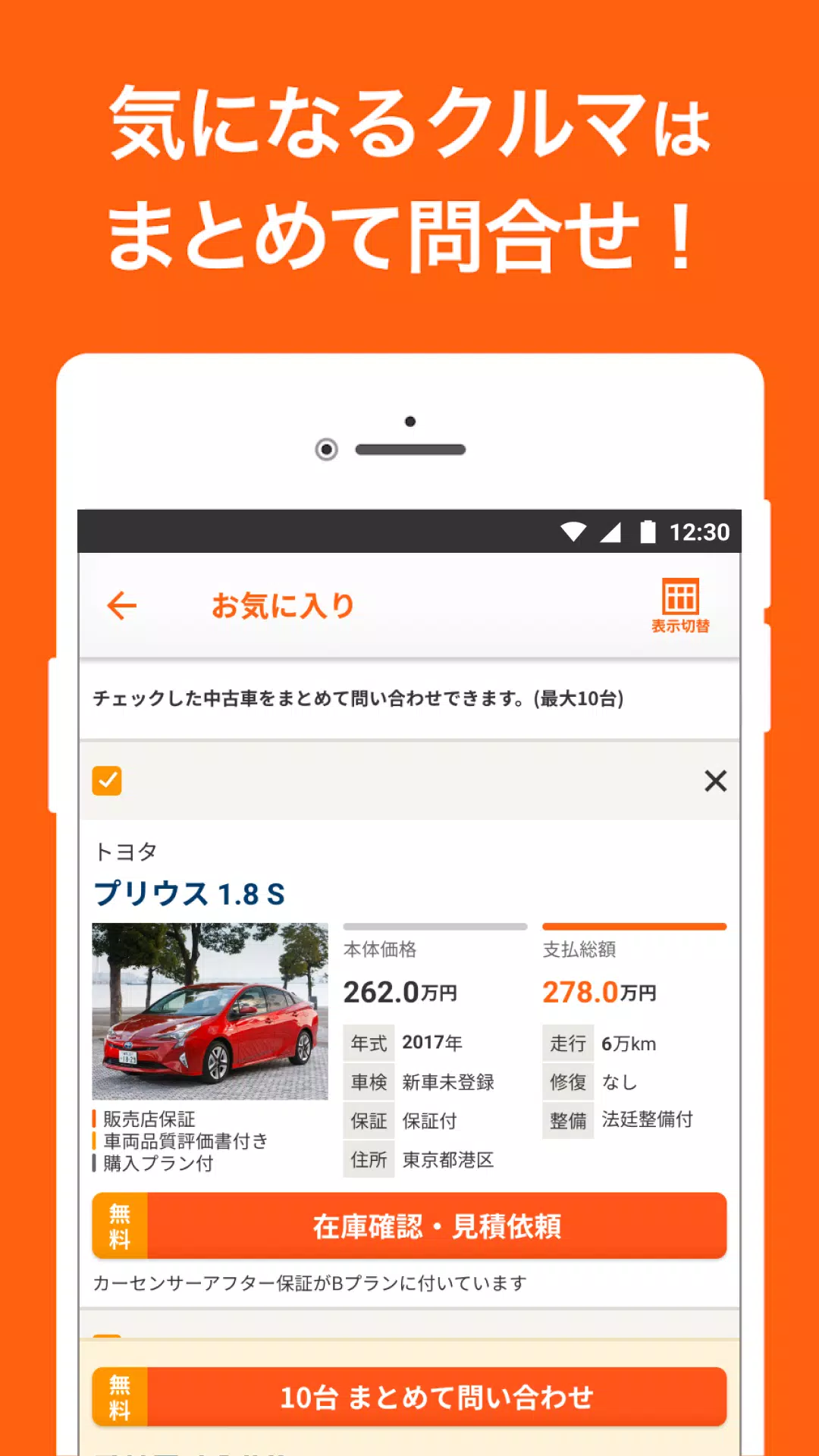
Save up to 30 used cars as "favorites" and compare their prices, model years, mileage, and more in a convenient list.
If multiple vehicles catch your eye, you can contact the dealer about all of them at once.
■ Search not only for used cars but also for new car inventory!
Check price ranges, trim levels, and detailed specifications for new vehicles.
Search > Filter > Model Year/Condition > New Car Inventory
Start your search here!
[Search Function Guide]
1: Free Word Search (Vehicle Name)
Use the search bar at the top of the home screen.
Search by vehicle names like "Prius" or "Legacy," or use terms like "Lexus" or "BMW."
2: Free Word Search
Use various keywords in the search bar at the top of the home screen.
You can also narrow results by nearby dealership names.
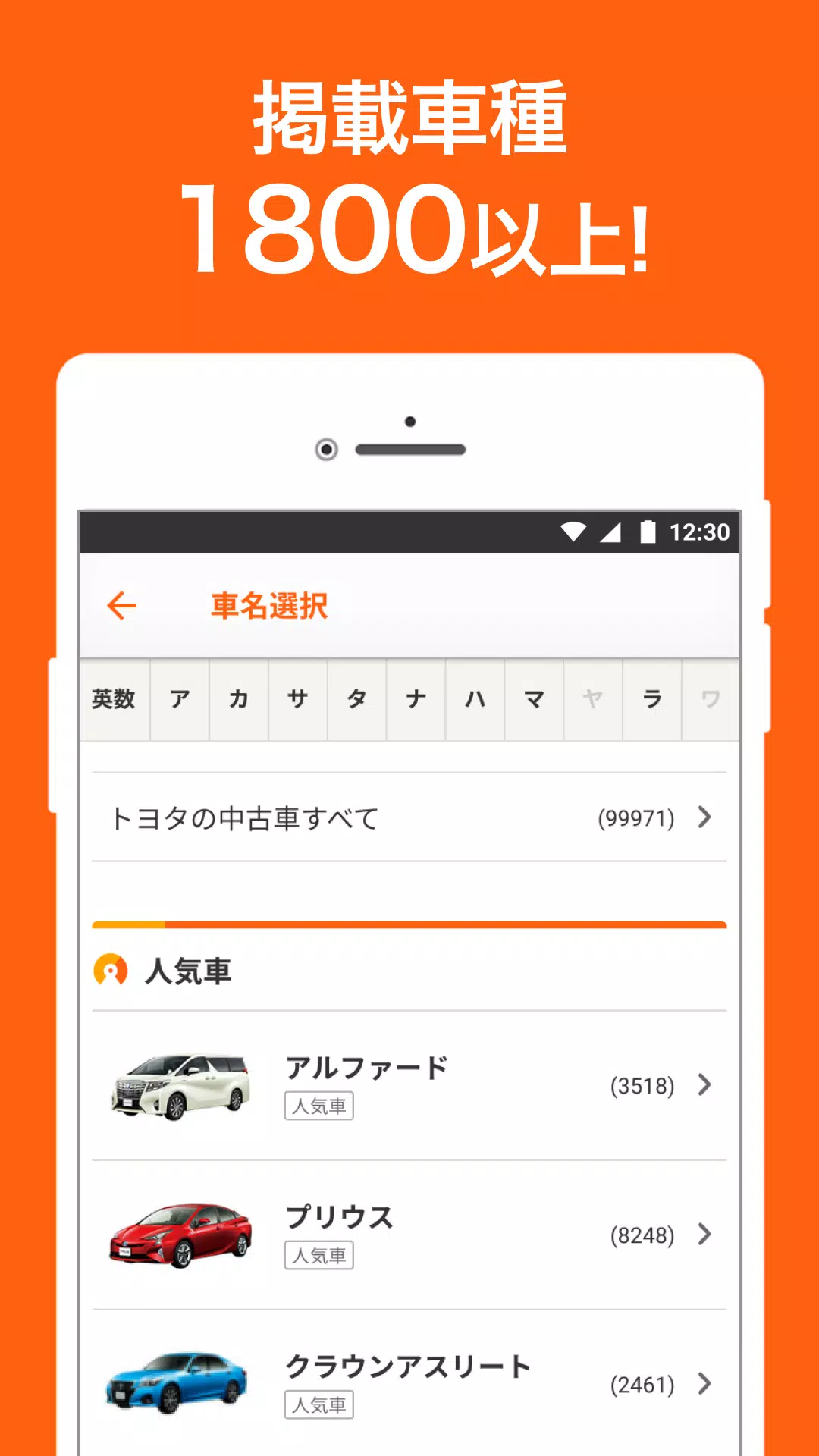
3: Make/Model Search
Find your desired vehicle by selecting the manufacturer and then the model from the manufacturer selection page.
We offer a wide selection, from domestic to imported vehicles.
Imported cars can be filtered by country of origin.
*Manufacturer Selection Examples:
Domestic: Lexus, Toyota, Honda, Nissan, Suzuki, Daihatsu, Mazda, Subaru, Mitsubishi
Imported: Mercedes-Benz, BMW, Volkswagen, Audi, Mini, Porsche, Volvo, Peugeot, Land Rover
4: Area Search
Search by your local prefecture or region.
5: Price Search
Ideal for bargain hunters or those with a specific budget.
Set minimum and maximum price limits to find the perfect car within your budget.
6: Body Type Search
Even if you're unsure about specific models, find your ideal car by searching by body style.
*Body Type Selection Examples:
Kei car, hybrid, minivan, hatchback, sedan, station wagon, crossover, SUV, coupe, convertible, truck, accessible vehicle, pickup truck, commercial vehicle, van
7: Search by Photo Don't know the make or model? No problem!
Search for a car you've seen by using a photo you've taken.
8: Detailed Filtering
Filter by specific vehicle conditions like model year, mileage, single-owner, service history, non-smoker, and more.
Search for unregistered, unused vehicles, or filter by preferred exterior color.
Narrow results by desired features like smart key, ETC, fold-flat seats, rearview camera, etc.
Search confidently using your own criteria!
What's New in the Latest Version 8.19.3
Last updated on Nov 6, 2024
Thank you for using our app. We have fixed login-related issues to improve your experience.
We appreciate your continued support of the Car Sensor app.
8.19.3
24.4 MB
Android 9.0+
net.carsensor.cssroid