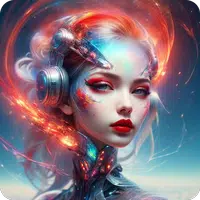

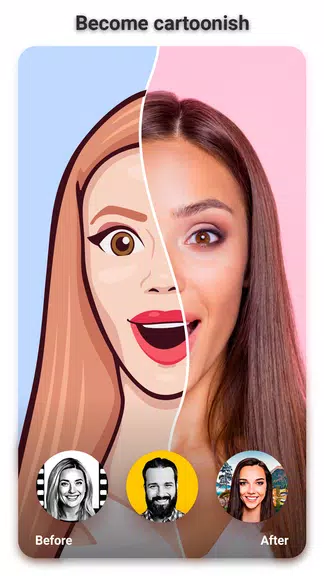
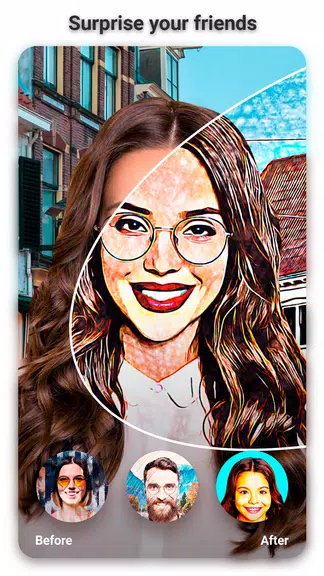
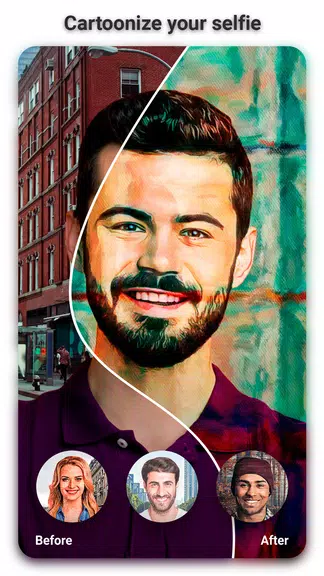
이 창의적인 앱으로 셀카를 장난기 가득한 캐릭터로 바꿔보세요! 톤 아바타를 만들거나 사진에 유쾌한 분위기를 더하고 싶다면, 'Toon: Cartoon Photo Editor'가 필요한 모든 것을 제공합니다. 스케치, 유화 등 다양한 독특한 만화 필터를 탐색하여 초상화를 눈길을 사로잡는 작품으로 변신시켜 보세요. 재미있는 만화 스티커 선택지로 창작물을 더욱 돋보이게 하세요. 직관적인 인터페이스로 단 한 번의 탭으로 이 흥미로운 효과를 적용할 수 있습니다. Toon 앱과 함께 사진에 신선하고 애니메이션 같은 스타일을 입혀보세요!
Discover Toon: Cartoon Photo Editor Features
⭐ Instant Cartoon Effects: Convert your selfies into cartoon-style images instantly using the auto toon camera. Skip complicated edits and achieve a lively animated appearance effortlessly.
⭐ Diverse Toon Styles: Personalize your photos with multiple cartoon filters such as sketch, oil painting, thermal vision, crosshatch, and pencil. Experiment with different artistic looks for every snapshot.
⭐ Fun Cartoon Stickers: Elevate your images with amusing cartoon stickers. Whether for comedy or charm, find the perfect decorative elements in the app’s varied sticker collection.
Common Questions
⭐ Is the App Free to Download and Use?
Yes, the app is totally free. Access all toon effects, stickers, and tools without any charges or hidden fees.
⭐ Can I Apply Toon Effects to Gallery Photos?
Of course! Use cartoon effects on any photo from your gallery. Pick your image, choose a toon style, and apply it instantly.
⭐ How Simple Is It to Make a Cartoon Photo?
It’s super simple. Just pick a toon effect, snap or select a photo, optionally add stickers, then save or share your new cartoon creation.
Final Thoughts
Toon: Cartoon Photo Editor is ideal for adding a fun, artistic touch to your pictures. Enjoy automatic cartooning, diverse styles, and creative stickers to design custom cartoon art. Best of all, it’s completely free—so everyone can join the fun. Download now and start creating cartoon masterpieces today!

1.2.8
85.60M
Android 5.1 or later
com.photo.editor.toonme.photoeditor