The official Jump app for creating manga! Packed with exclusive tips from Jump's master artists!
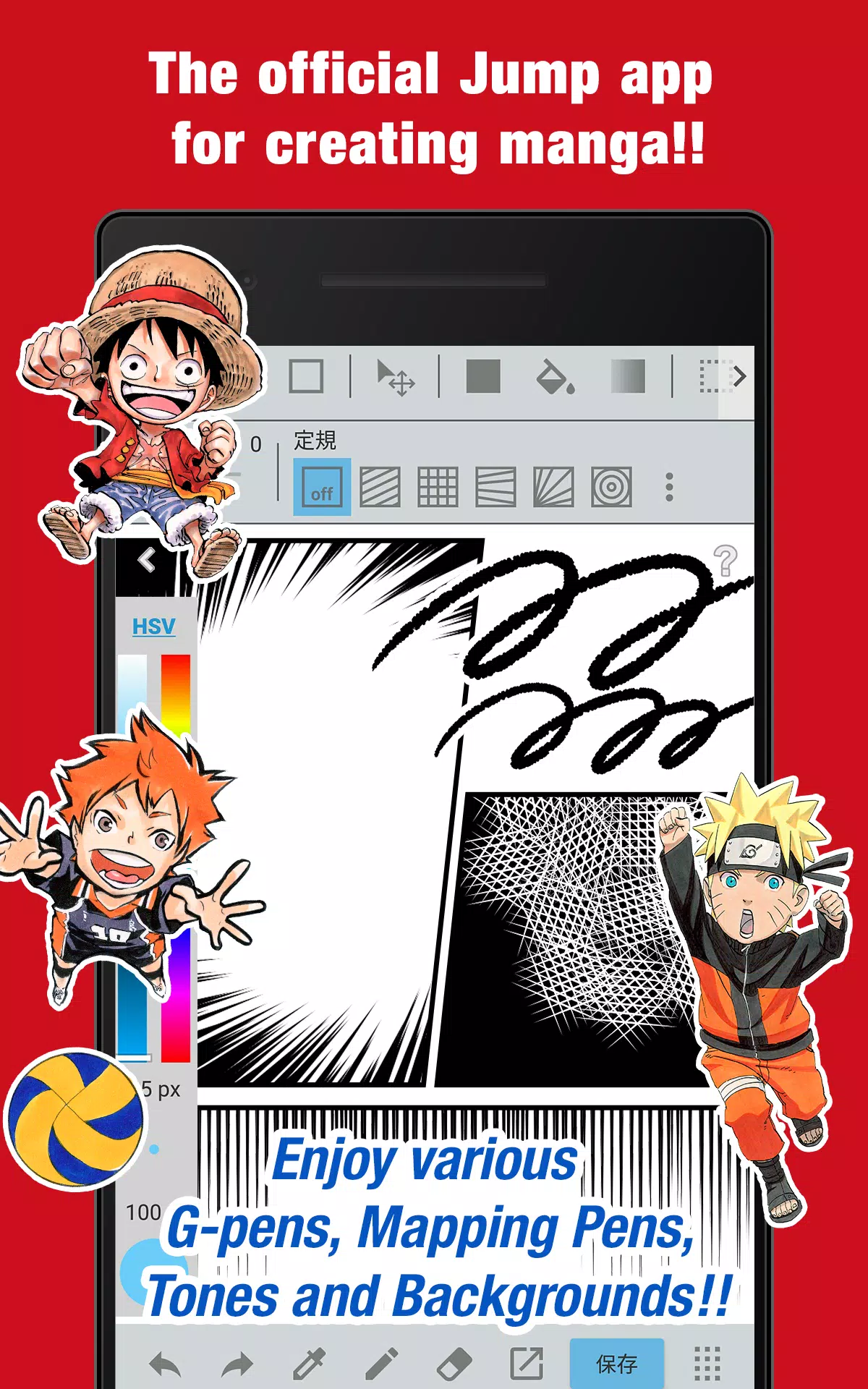
■ Create authentic Weekly Shonen Jump-style manga and illustrations—completely free!
All tools are free: G-pens, mapping pens, screentones, and backgrounds!
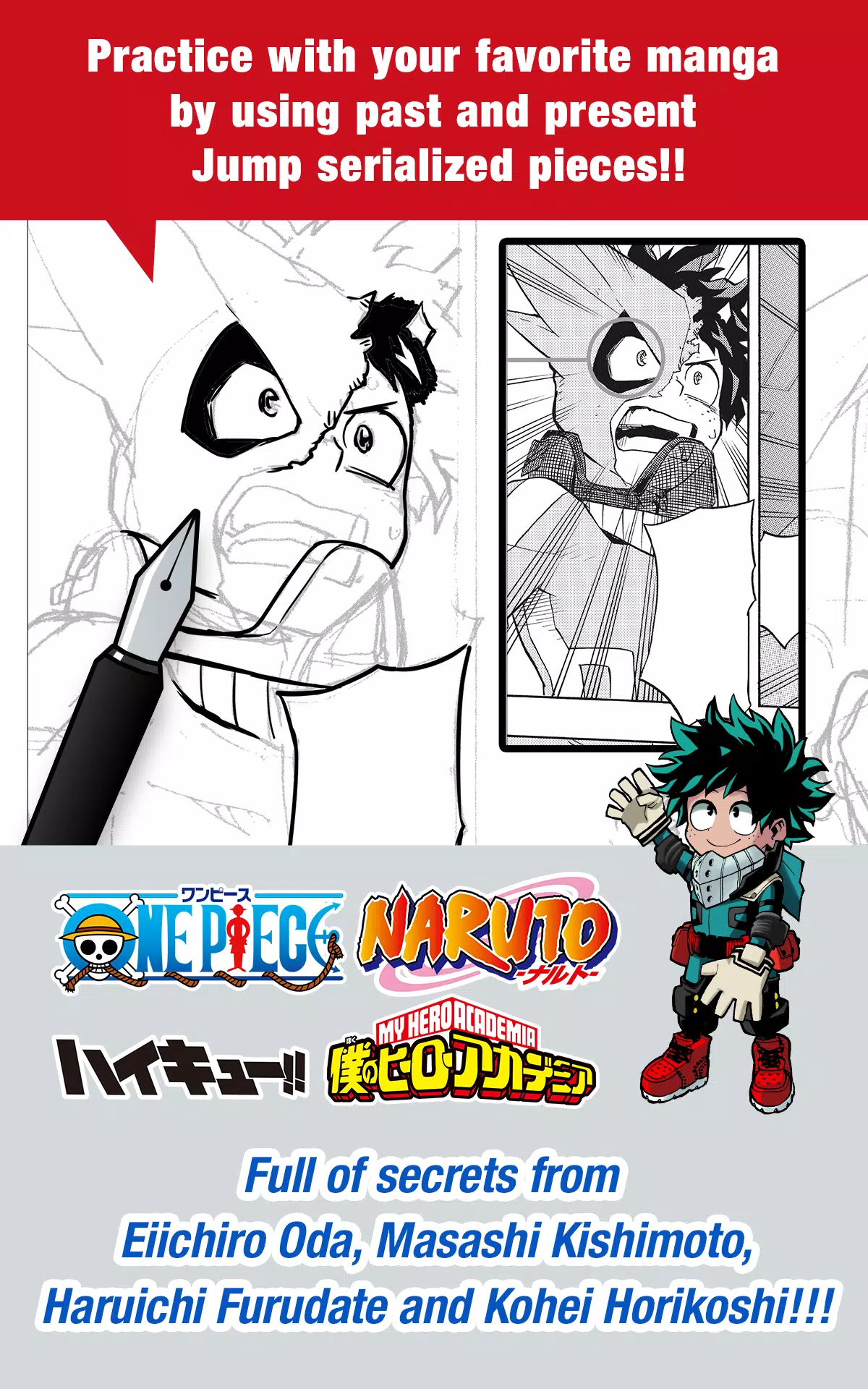
■ Practice with real manga from past and present Jump series!
Learn insider techniques from legends like Eiichiro Oda (One Piece) and Kohei Horikoshi (My Hero Academia)!
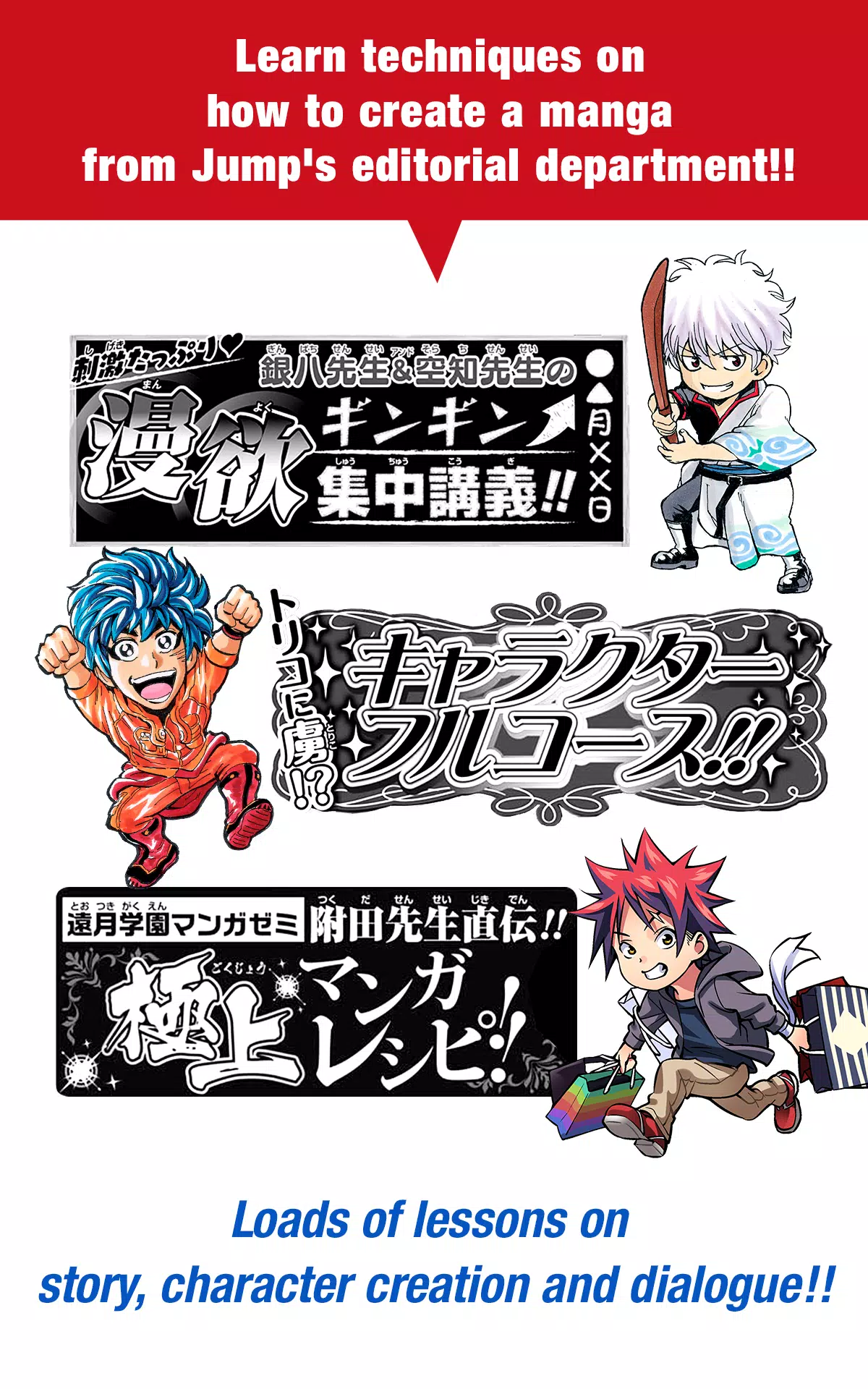
■ Master manga creation with professional guidance from Jump's editorial team!
Comprehensive lessons on storytelling, character design, and writing dialogue!
■ Enter official Jump contests directly through the app!
Get timely contest updates and submission details—never miss an opportunity!
What is JUMP PAINT?
The ultimate manga and illustration app—born from a partnership between MediBang Paint (12 million downloads) and Weekly Shonen Jump.
JUMP PAINT was created to give artists a full-featured, portable studio using MediBang's powerful technology.
JUMP PAINT is the ideal software for illustrations and comics, loaded with professional brushes, materials, and manga fonts.
■ Draw Anywhere!
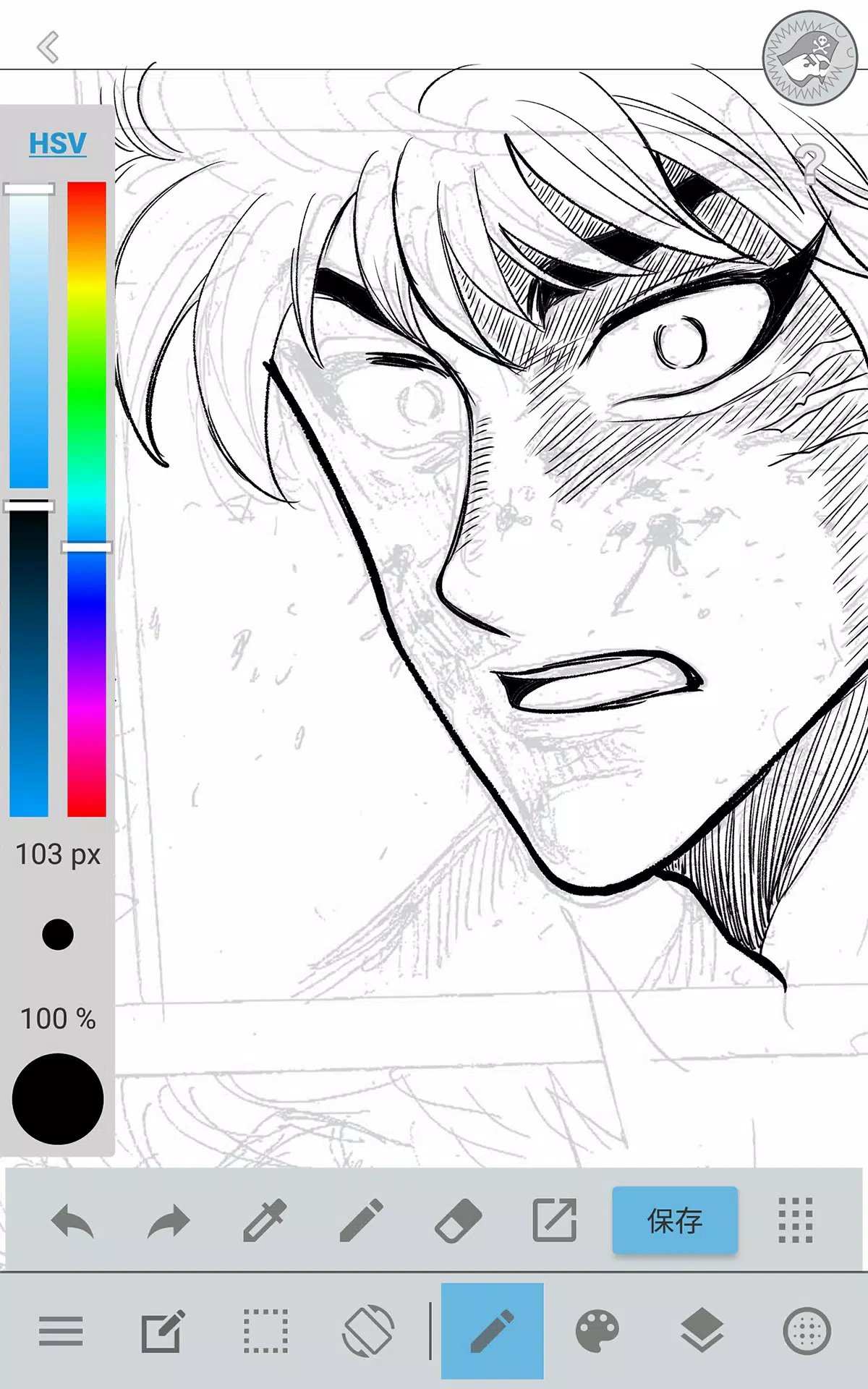
・Carry a full desktop-grade painting studio in your pocket with JUMP PAINT.
・Despite its rich features, the interface is tailored specifically for iPhone.
・Open or close the UI with a single tap.
・Easily adjust brush size or switch color modes with the sleek, intuitive design.
■ Painting Tools
・90 free brushes at your fingertips!
・Beyond standard pens and pencils, enjoy watercolor, blur, smudge, G-pen, mapping pen, symmetry, and edge pens—plus over 50 more like flat brush, round brush, acrylic, school pen, and soft pastel.
・Force Fade In/Out keeps your lines crisp, even when drawing with fingers.
・Design and save your own custom brushes.
■ Free Resources
・Access 800+ free screentones and background images.
・Includes premade assets like clouds, buildings, and vehicles.
・Apply tones instantly with one touch.
■ Layers
・Work with layers featuring blend modes for advanced editing.
・Organize different parts of your artwork non-destructively.
■ Comic Fonts
・Set the tone of your manga with expressive typefaces.
・Match fonts to your characters’ emotions and personalities.
・Choose from 50 professional-grade fonts used in the industry.
■ Comic Creation
・Drag your finger to easily create comic panels.
・Resize and reshape panels freely.
■ User Friendly
・Customize shortcuts to suit your workflow.
・Beginner-friendly with intuitive onboarding.
・An interface designed to maximize your drawing space.
・Enter full-screen mode with one tap.
■ Other Tools
・Use perspective guides, symmetry tools, and rulers for perfect lines and curves.
・Stroke stabilization smooths your lines automatically.
■ Photo Reference
・Capture photos inside the app and place them on a separate layer for reference.
・Study images to improve your drawing or learn new subjects.
■ Cloud Storage
・Securely back up and manage your artwork online.
・Transfer projects between devices effortlessly.
■ Manage Project
・Save and organize multi-page comic projects with ease.
■ Syncability
・Sync your brush settings and presets with the PC version of JUMP PAINT.
■ Team Creation
・Collaborate with others remotely on the same project.
■ Auto Recovery
・Your work is automatically saved if the app closes unexpectedly.
IMPORTANT
A free MediBang account (https://medibang.com/) is required to access cloud features.
6.2
30.8 MB
Android 7.0+
com.medibang.android.jumppaint