
マーベルライバル - リリースされたエラーコード修正
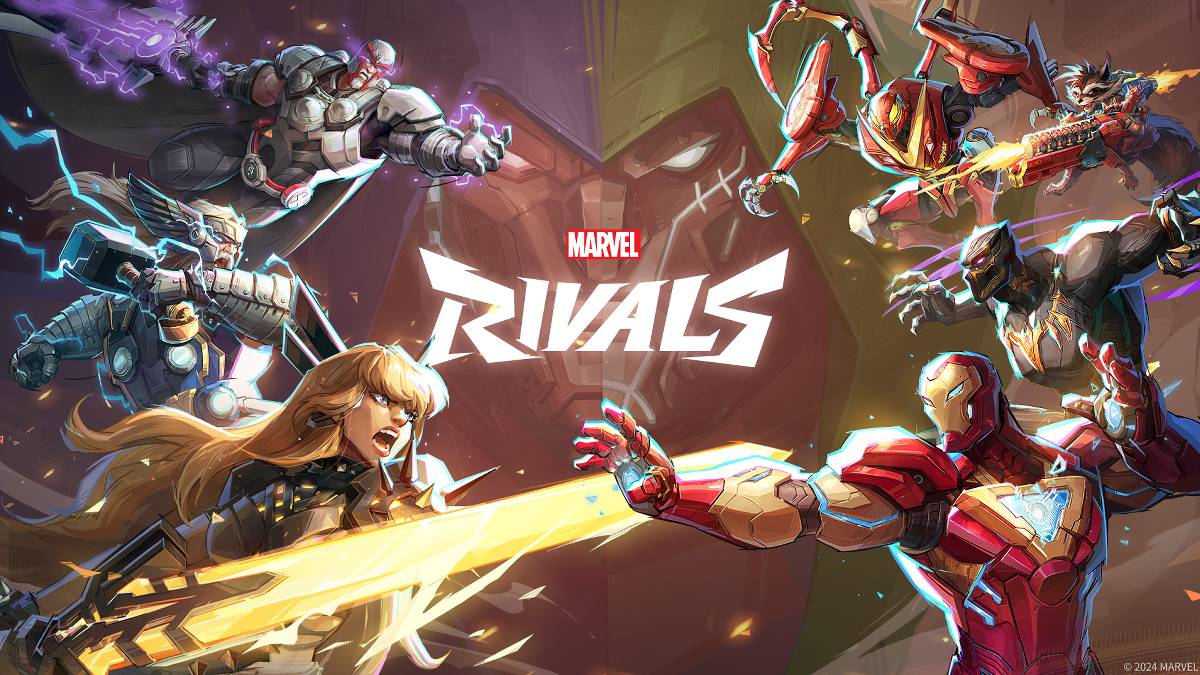
トラブルシューティング マーベルライバル エラーコード:包括的なガイド
残念ながら現代のゲームではバグやエラーコードに遭遇することは一般的であり、 マーベルライバル も例外ではありません。このガイドは、共通のエラーコードのソリューションを提供します。これにより、プレイを防止したり、クラッシュ、ラグ、スタッターを引き起こしたりします。
一般的な マーベルライバル エラーコードとソリューション
次の表には、さまざまなエラーコード、それらの説明、および潜在的な解決策について説明します。
| Error Code | Description | Solution |
|---|---|---|
| Error 4 | Frequently appears on PlayStation, but can also occur on PC. | Check internet connection; Check server status; Relaunch *Marvel Rivals*. |
| 99% Loading Bug | Game gets stuck at 99% during match loading. | Check internet connection; Close background programs; Adjust Network Diagnostic Settings. |
| Error 211 | Common on Steam, indicating connection problems. | Check server status; Disable third-party server blockers; Check internet connection; Verify game files. |
| Error 10 | Appears on launch, usually due to poor internet connection. | Check internet connection; Relaunch *Marvel Rivals*; Check server status. |
| Error 220 | Potentially caused by server location or firewall settings. | Modify security firewalls; Adjust DNS settings; Disable third-party server blockers; Use a VPN. |
| Error 21 | Sometimes encountered by Xbox players on launch. | Restart console; Reset router; Check server status; Disable IPv6 on internet connection; Use a VPN. |
| Error 5 | Seen on PlayStation; indicates high ping and packet loss. | Address high ping and packet loss (check internet connection, etc.). |
| Error 26 | Prevents gameplay. | Check internet connection; Disable VPN; Clear cache files; Verify game files. |
| Packet Loss Error | High ping and packet loss due to high latency. | Check internet connection; Close background programs; Adjust Network Diagnostic Settings. |
| DX12 Not Supported | Game won't launch due to unsupported DX12; often related to Windows updates or GPU incompatibility. | Update Windows; Update GPU driver; Reinstall *Marvel Rivals*. |
| Error Code 258 | Login failure via PC launcher (often Epic Games Store). | Troubleshooting specific to Epic Games Store. |
| Error LS-0014 | Encountered on Epic Games Store. | Check antivirus software; Verify game files; Reinstall the game. |
| Igniting the Timestream | Occurs during matchmaking. | Check server status; Restart the game; Check internet connection. |
| Version Mismatch | Appears after game updates. | Verify game files; Check for updates; Check internet connection. |
| Out of Video Memory | Prevents gameplay. | Check VRAM; Update GPU driver; Close background programs. |
| Blue Screen Error | A critical error, though relatively rare. | Clean install GPU driver; Lower graphic settings; Run Windows Memory Diagnostic Tool. |
- Marvel Rivals*は、PS5、PC、およびXboxシリーズXで利用できます。
Battle Cats が 10 周年記念で CIA ミッション: タックル・インポーシブルを解き放つ!
Parabellum: Legendの包囲戦、Android向け事前登録開始。プラグインデジタル











-
1
2025年のニンテンドースイッチのすべてのポケモンゲーム
Feb 25,2025
-
2
Stardew Valley:エンチャントと武器の鍛造の完全なガイド
Mar 17,2025
-
3
![Anime Vanguardsティアリスト - 各ゲームモードに最適なユニット[更新3.0]](https://images.gzztb.com/uploads/35/17376012656791b0f12fa1c.jpg)
Anime Vanguardsティアリスト - 各ゲームモードに最適なユニット[更新3.0]
Feb 27,2025
-
4
Roblox:Trucking Empire Codes(2025年1月)
Mar 05,2025
-
5
Ragnarok X:Next Gen -Complete Enchantment Guide
May 25,2025
-
6
大ヒット MMORPG Ragnarok Online からのカジュアルな戦闘スピンオフ、Poring Rush がリリースされました
Dec 30,2024
-
7
NVIDIA RTX 5090仕様リーク:噂が確認されましたか?
Mar 14,2025
-
8
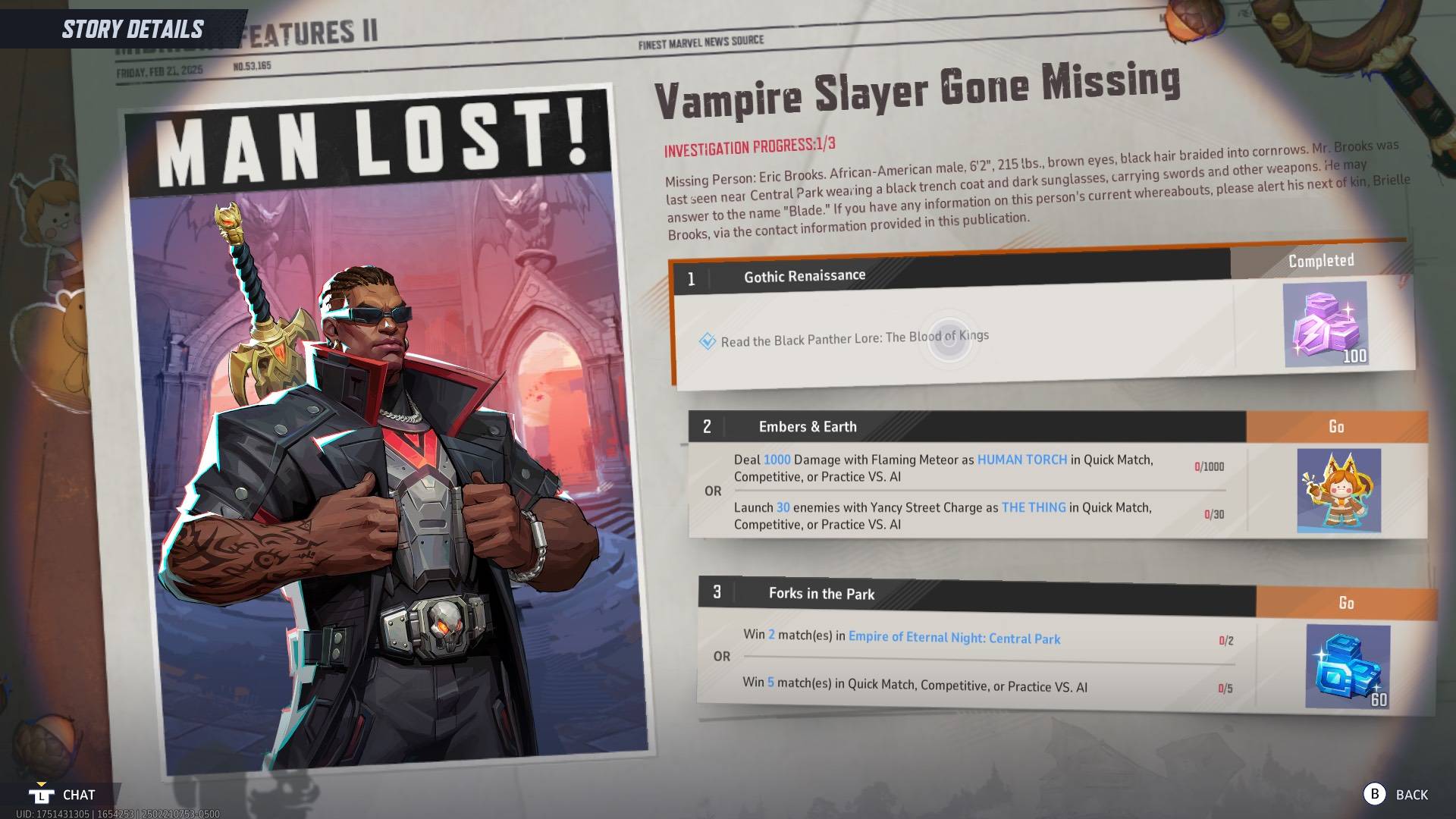
ブラックパンサーの伝承の読み方:マーベルライバルの王の血
Mar 01,2025
-
9
Copilot AIをXboxアプリとゲームに統合するマイクロソフト
May 21,2025
-
10
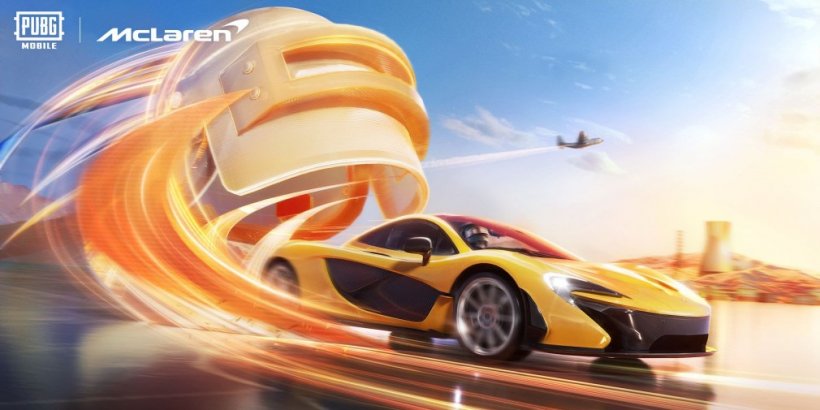
マクラーレンが PUBG Mobile コラボレーションに戻る
Aug 27,2024
-
ダウンロード

The Golden Boy
カジュアル / 229.00M
アップデート: Dec 17,2024
-
ダウンロード

Niramare Quest
カジュアル / 626.43M
アップデート: Feb 21,2023
-
ダウンロード

POW
カジュアル / 38.00M
アップデート: Dec 19,2024
-
4
Mother's Lesson : Mitsuko
-
5
Gamer Struggles
-
6
How To Raise A Happy Neet
-
7
Poly Pantheon Chapter One V 1.2
-
8
Dictator – Rule the World
-
9
Strobe
-
10
Livetopia: Party