Design pixel art, animate sprites, and modify game textures using Inktica!
Craft pixel art with Inktica – a robust yet user-friendly pixel art editor. With Inktica, you can produce artwork in the style of early computer and game console graphics, or adjust game textures.
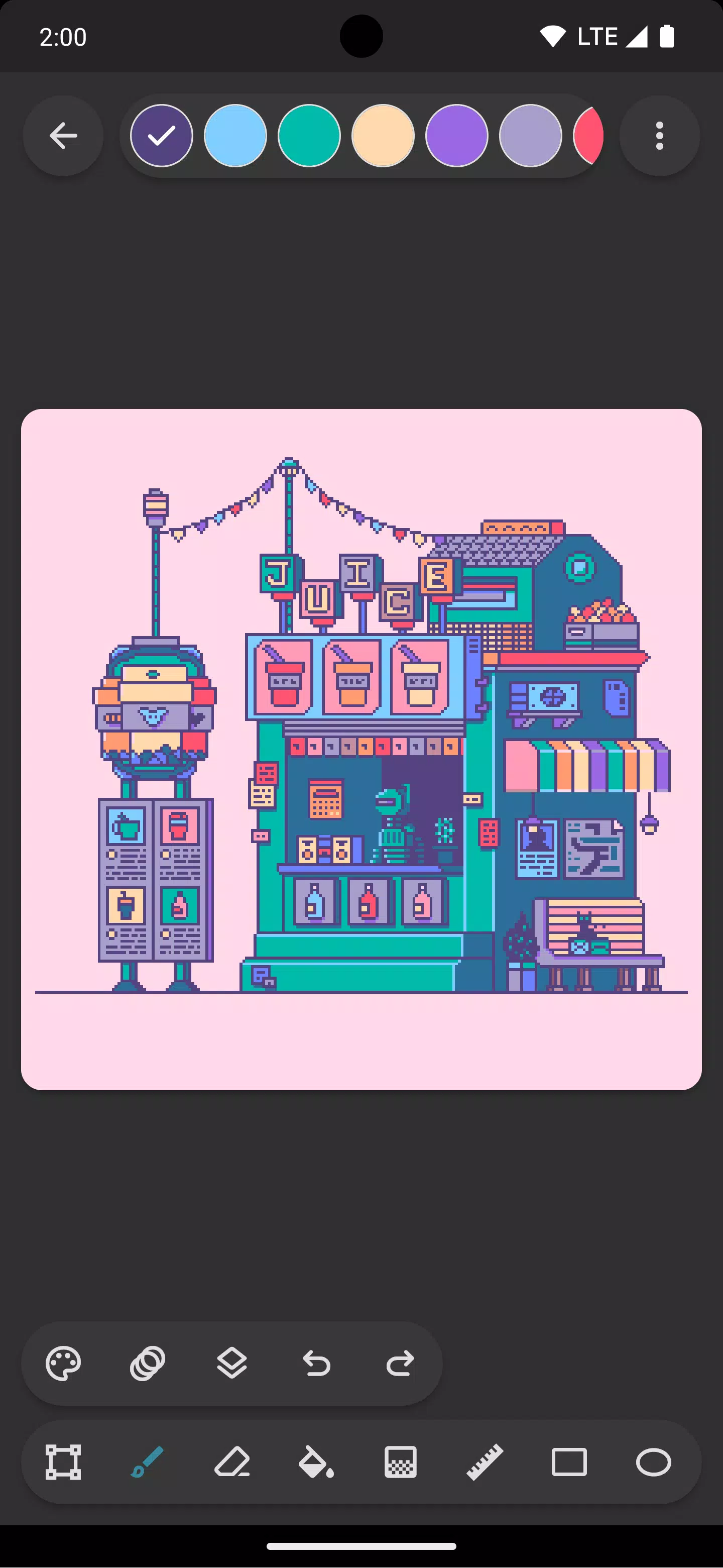
Inktica offers specialized tools for editing images at the pixel level. Key tools for pixel art include Brush, Eraser, Flood-fill, Gradient, Line, Rectangle, Ellipse, and Pipette. Many tools feature pixel-art-specific options, like the brush's "pixel perfect" algorithm that helps draw precise single-pixel-width lines.
Inktica's selection tool allows you to copy, cut, move, and paste parts of your drawing or texture. You can also rotate or flip selections before pasting them.
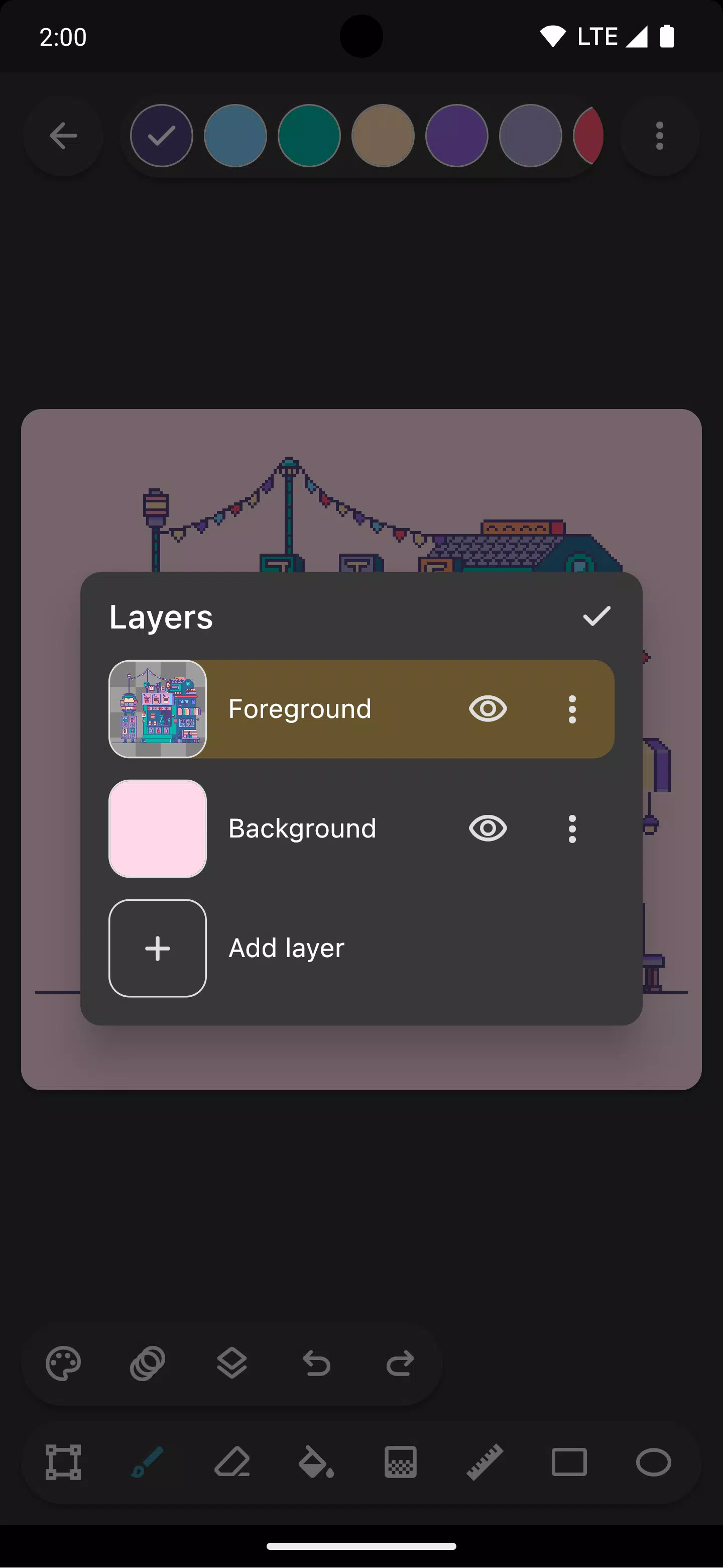
The app supports layers, making it easier to structure your pixel art project and edit specific elements independently.
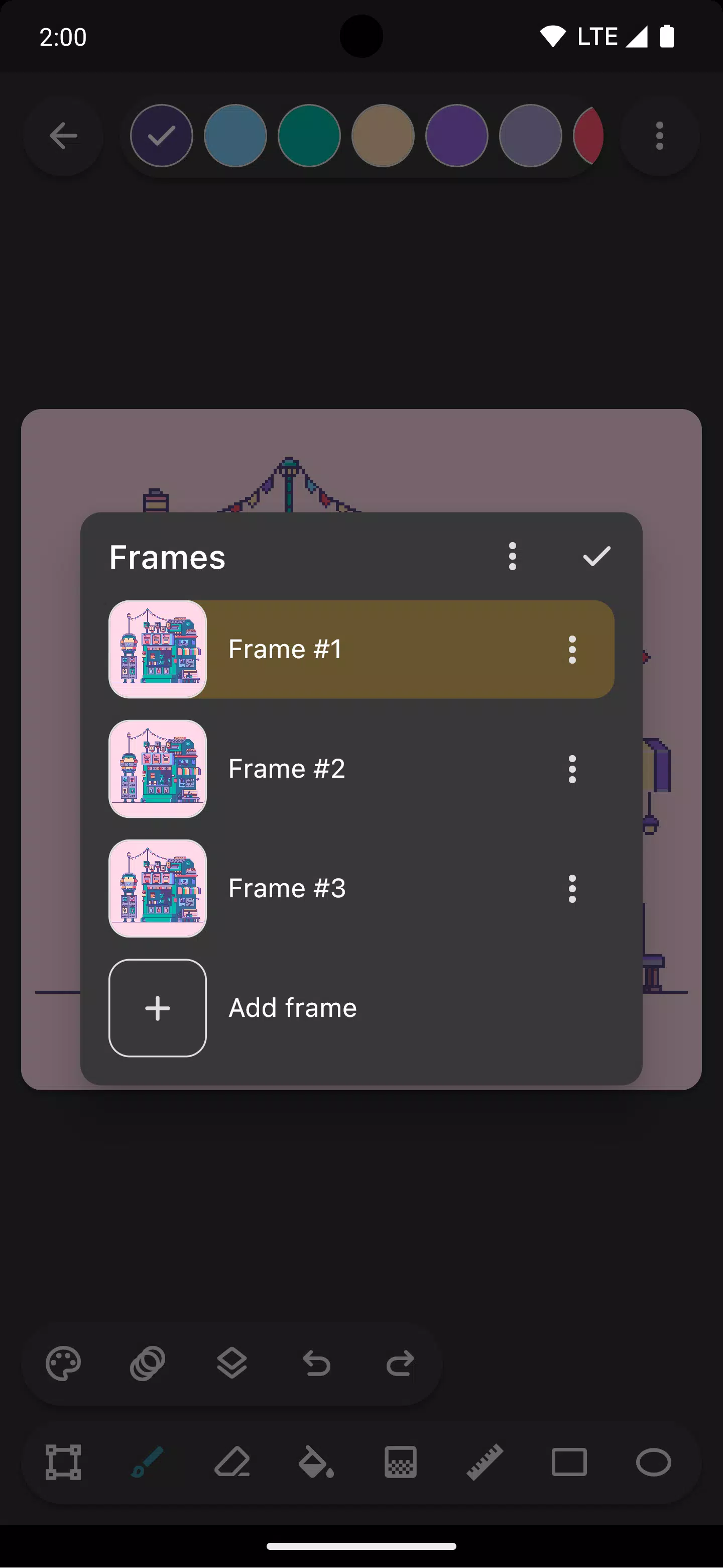
Bring your sprites to life with Inktica's animation features. The onion skin option simplifies frame-by-frame animation by overlaying the previous frame as a reference.
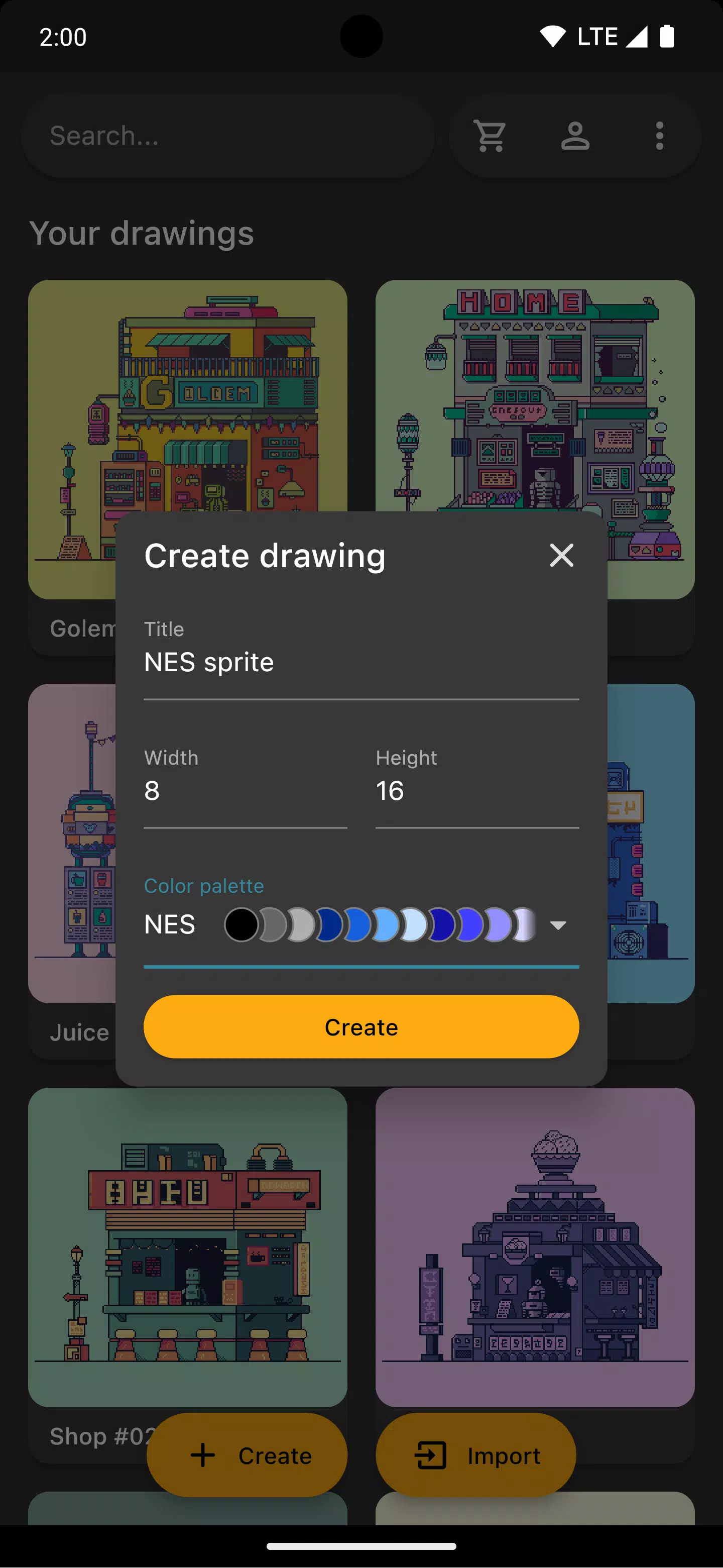
Choose from authentic color palettes inspired by classic consoles like Atari 2600, NES, and Game Boy. You can also import curated palettes from Lospec.
While drawing, open a reference image from your gallery to compare your work with the original.
Once your drawing is complete, share it on social media or save it to your device. Exported images can be scaled up to preserve sharpness on non-pixel-art platforms.
Inktica also works as an editor for pixel art created elsewhere. Import Aseprite files (.ase, .aseprite) and common formats like PNG, JPEG, and GIF.
Art in screenshots by Pikurā
Privacy policy: https://inktica.com/privacy-policy.html
Terms of use: https://inktica.com/terms-of-use.html
What's New in the Latest Version 1.35.97
Last updated on Nov 11, 2024
- Updated the color dialog layout to a grid for more color visibility
- Choosing a color in the dialog now closes it automatically for faster color selection
1.35.97
24.5 MB
Android 5.0+
com.arcuilo.inktica