
Diagnose and configure modules for the Ford Focus 2 and C-Max I.
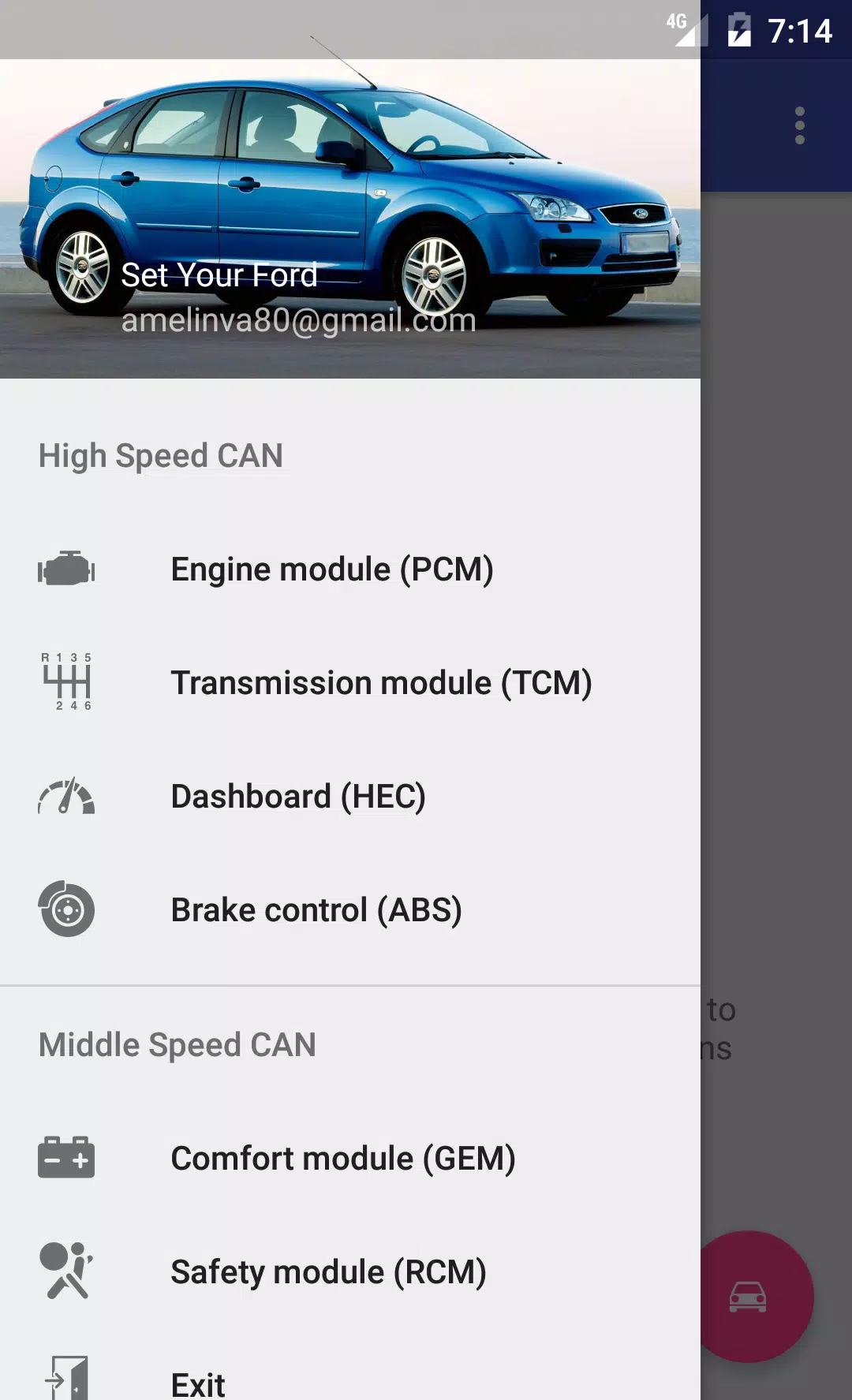
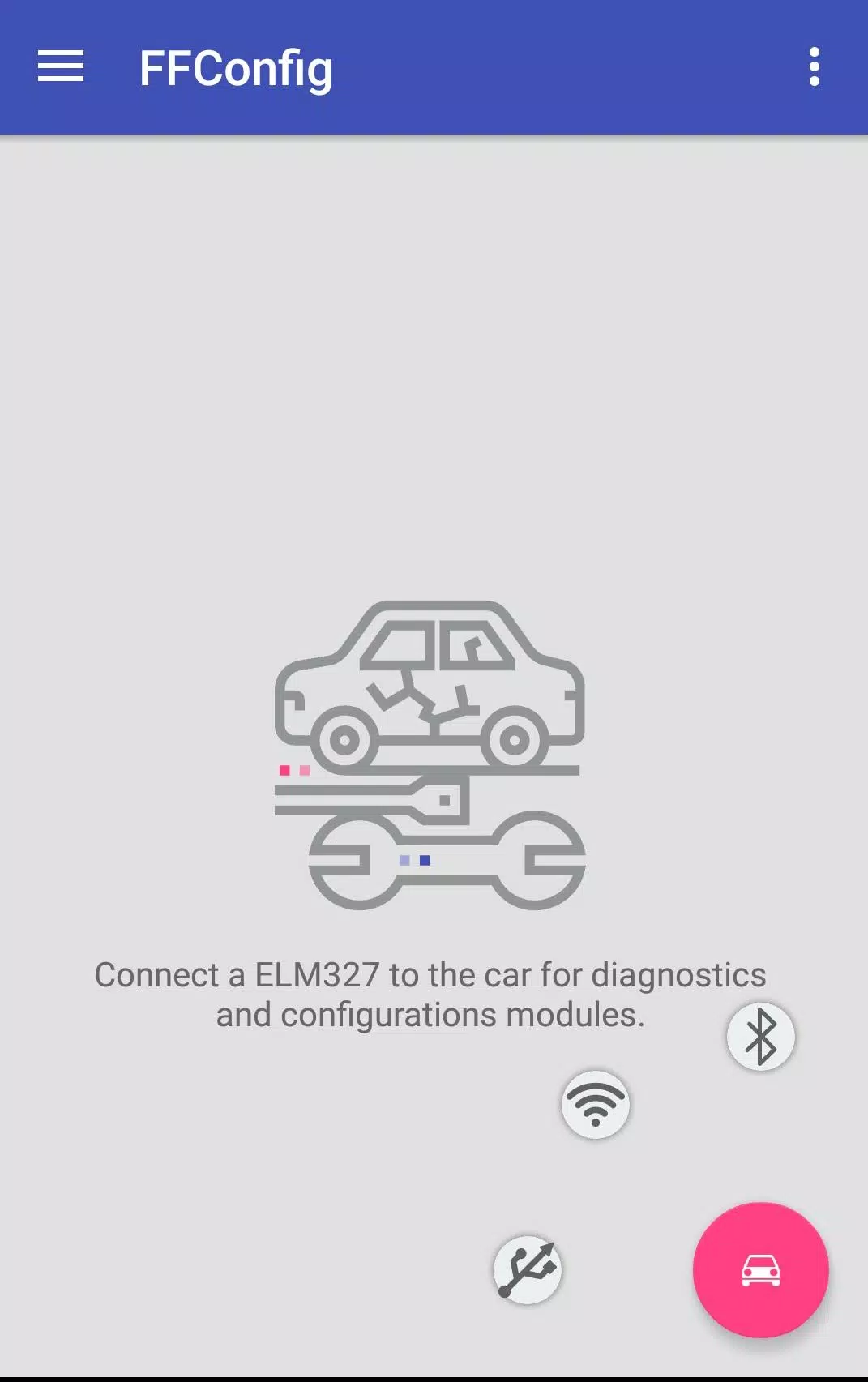
Connect to your Ford Focus 2 or C-Max using an ELM327 or ELS27 adapter to work with the following CAN-bus connected modules:
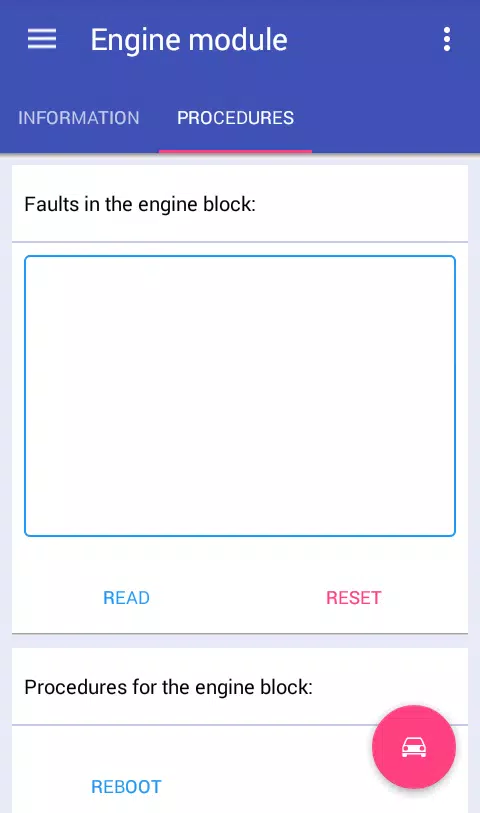
Engine Control Module: View module information, read and clear DTCs, reset the module, reset long-term fuel trim (KAM)* for:
ESU-411/418 (1.8 125/2.0 145)
SIM28/29 (1.4 80/1.6 100/115)
ESU-121/131 (1.8 120/2.0 145).
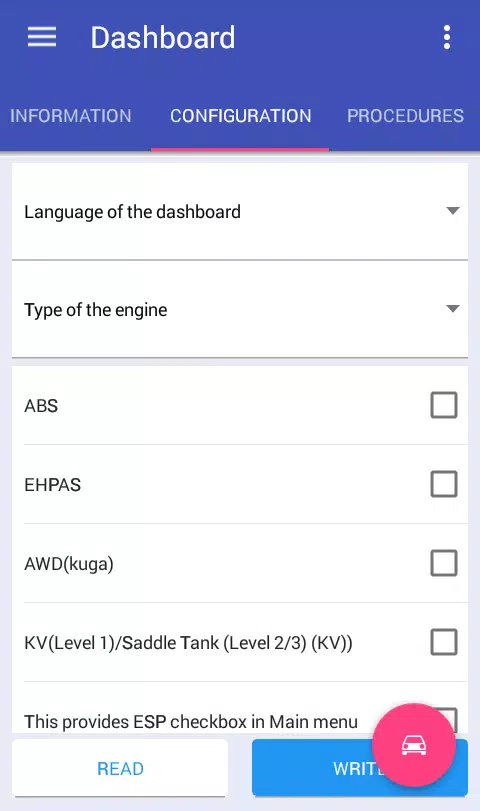
Instrument Cluster: View module information, read and clear DTCs, configure module settings, reset the module, change odometer units, adjust mileage*.
-Brake Control Module: View module information, read and clear DTCs, configure module settings, reset the module, reset DDS calibration, perform brake bleeding*.
-Comfort Module: View module information, read and clear DTCs, configure module settings*, reset the module.
-Safety Module: View module information, read and clear DTCs, configure module settings, reset the module, clear crash data*.
-Transmission Control Module: View module information, read and clear DTCs, reset KAM*.
-Climate Control Module: View module information, read and clear DTCs.
-Audio Module: View module information, read and clear DTCs, retrieve radio code (for M series)*.
*-These features are only available in the full version.
To unlock full app functionality and access additional vehicle modules, you'll need to modify your ELM327 adapter. This process requires a small time investment.
Follow these switch configuration instructions:
Http://forffclub.narod.ru/index/0-2
Purchase ELS27 adapters at: https://els27.ru/. For ELS27USB, set speed to 38400. For ELS27BT, set 2,000,000 using the ELS27 Baudrate utility.
2.6.2
2.5 MB
Android 4.4+
ru.vaamelin.FFConfigLite