
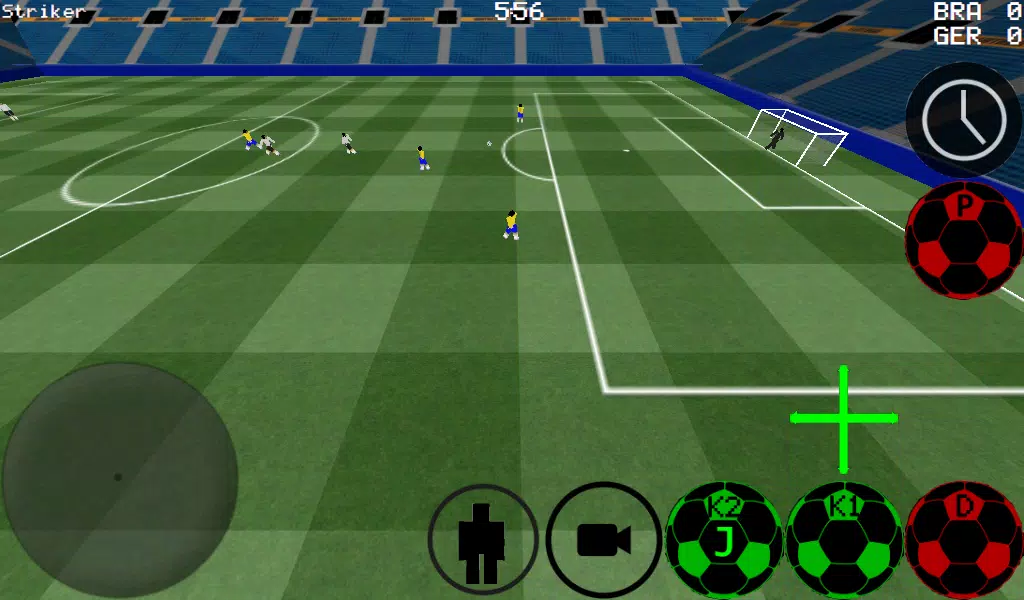
First-Person Soccer Experience
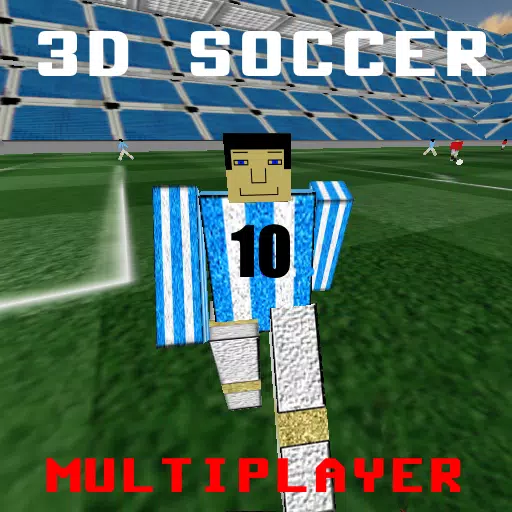
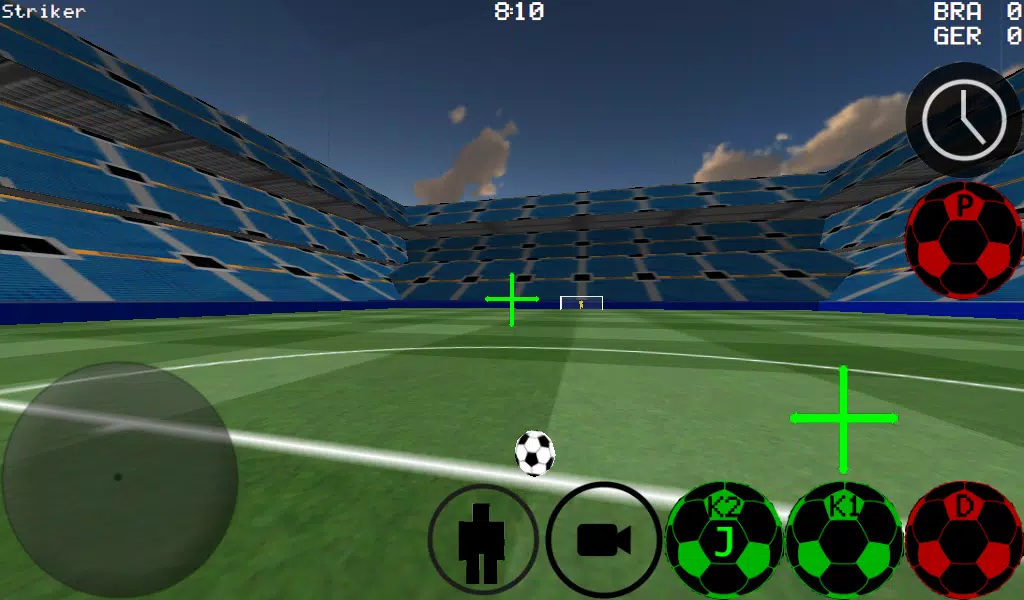
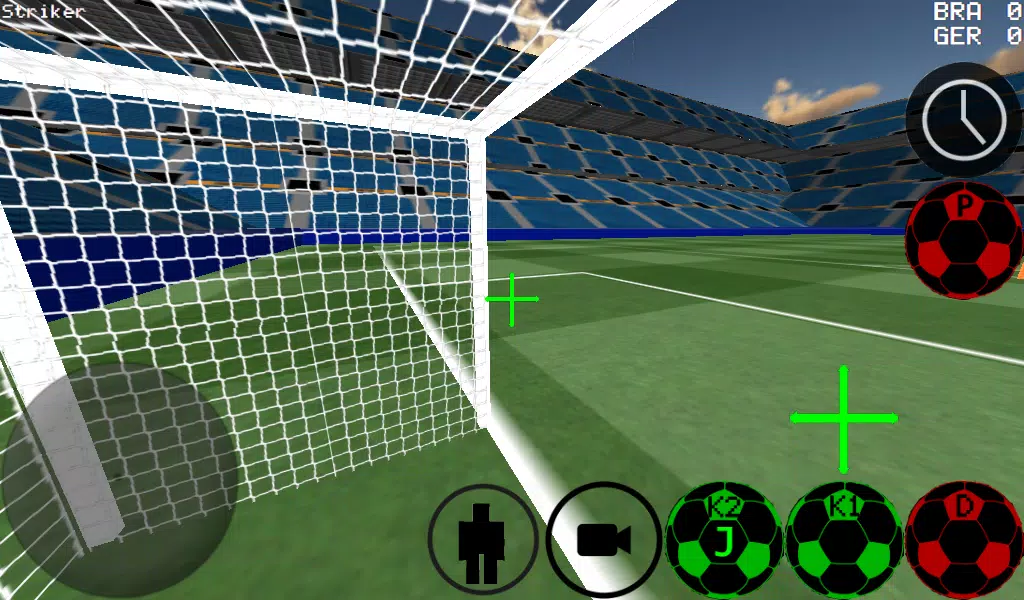
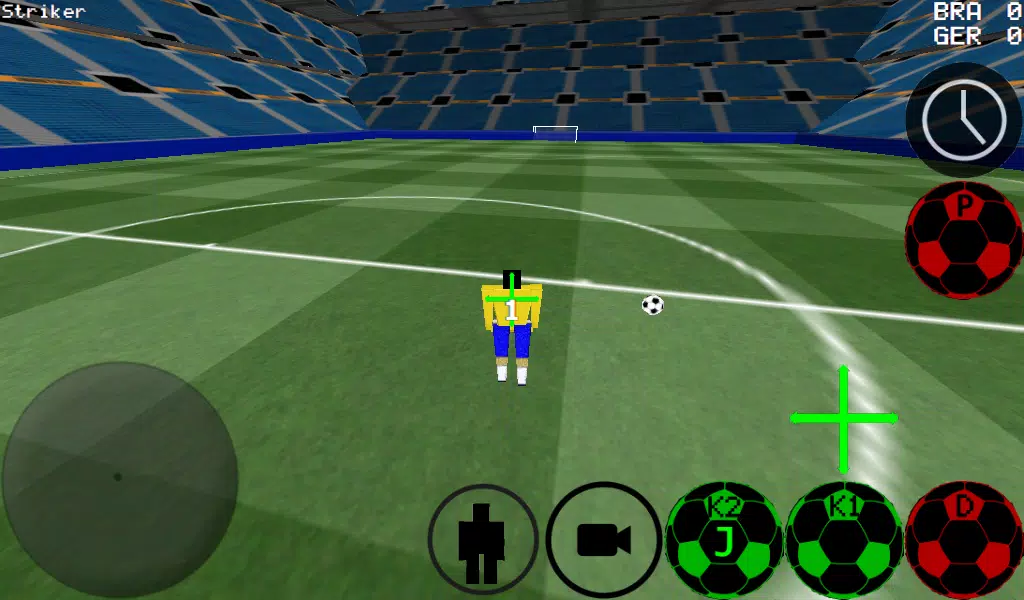
Enjoy soccer from a first-person perspective, with additional third-person, top-down, and stadium camera views.
-Take advanced control of the ball for precise dribbling and powerful kicks.
-Play matches ranging from 4 vs 4 to 11 vs 11.
-Take control of any player on the pitch.
-Choose between automatic and manual dribbling controls.
-Step into the role of the goalkeeper.
-Practice your free kicks.
-Hone your skills with corner kick practice.
-Train against the wall.
-Express yourself in free-style mode.
-Manipulate ball spin for advanced control.
-Activate slow-motion time to perfect your shots.
-Play multiplayer via LAN or Internet, supporting up to 5v5 matches.
-Use K1 and K2 buttons to kick the ball in the direction you're facing.
-Play in two unique stadiums.
-Experimental Xbox 360 controller support via USB.
Xbox 360 USB Controller Layout
A = Dribble
X = Medium-Power Kick (towards camera direction)
Y or RIGHT BUTTON = High-Power Kick (towards camera direction)
B = PASS (directs pass to AI teammate)
START = Switch Camera
LEFT Button = Slow Time
UP PAD = Switch Player
BACK = RETURN TO MENU
RIGHT HAT = Camera Control
LEFT HAT = Player Movement
Setting up a WAN/LAN server:
1. Turn on Wi-Fi (ensure connection to a router/modem).
2. Click on LAN GAME.
3. Click on START SERVER.
4. Click Connect (once or twice). You are now connected to the server as a player and are also hosting the server.
Connecting to an existing server (as a second player):
1. Turn on Wi-Fi (ensure connection to the same router/modem as the server).
2. Click on LAN GAME.
3. Click CONNECT several times. (You are now connected to the game).
Playing over the Internet - Creating a Server
1. Forward port 2500 on your modem/router to your phone or tablet's IP address.
2. Click on LAN GAME.
3. Click on START SERVER.
4. Click Connect (once or twice). You are now connected to the server as a player and are also hosting the server.
CONNECTING TO AN INTERNET SERVER
1. CLICK LAN CONNECT.
2. CLICK IP / TI SERVER.
3. ENTER THE SERVER'S IP ADDRESS (e.g., 201.21.23.21) and click connect. Press once or twice until you join.
Additional Game InformationPokémon: A Comprehensive Guide to Nintendo Switch Titles Pokémon, a globally recognized media franchise, has been a Nintendo mainstay since its Game Boy debut. The series boasts hundreds of captivating creatures, collectible both in-game and as trading cards, with each generation introducing new di
Pokémon GO Fest 2025: An Unforgettable Gathering UnveiledPokémon GO Fest 2025: Dates, Locations, and More! Niantic has unveiled the exciting details for Pokémon GO Fest 2025, along with two additional January events. Let's dive into the upcoming festivities! Pokémon GO Fest 2025: A Global Celebration The Pokémon GO Fest 2025 will be a three-day extravag
Stardew Valley: A Complete Guide To Enchantments & Weapon ForgingStardew Valley's Volcano Dungeon holds a secret: a forge capable of magically enhancing tools and weapons. While the cost in gemstones and crystals is significant, the power boost is well worth it. This guide simplifies the process, detailing each enchantment and offering strategic upgrade choices
Major Pokémon TCG Shakeup as Pocket Devs Seek to Enhance TradingPokémon TCG Pocket's trading feature, launched last week, has faced significant player backlash, prompting developer Creatures Inc. to address concerns. In a statement on X/Twitter, Creatures Inc. acknowledged the negative feedback, explaining that the restrictive trading mechanics were intended to
Pokémon Launches Real Pokédex Encyclopedia by EcologistsDive into the fascinating world of Pokémon with an official encyclopedia crafted by leading animal ecologists. Discover the intricacies of Pokécology and what to anticipate from this groundbreaking book.Pokécology: An Official Encyclopedia For Pokémon Behaviors and EcologyLaunches in Japan in June 2
Gengar in Pokémon GO: Acquisition, Moves, StrategiesThe world of Pokémon GO is brimming with diverse creatures, ranging from the adorable and affable to the downright daunting. In this guide, we'll delve deep into the world of Gengar, exploring how to capture it, its optimal movesets, and strategic tips for leveraging its prowess in battles.Table of
Totodile Returns for Pokémon Go Community Day Classic in March 2025Pokémon Go enthusiasts, get ready for a splashy event! The March Community Day Classic is set to feature Totodile, the Big Jaw Pokémon, on March 22nd from 2:00 pm to 5:00 pm local time. This is your golden opportunity to catch Totodile in abundance, and with a bit of luck, you might even encounter a
Pokémon Go Director Explains Why Fans Shouldn't Worry About Scopely in New InterviewFollowing the recent acquisition of Pokémon Go developer Niantic by Scopely, the company behind Monopoly Go, fans have voiced concerns ranging from increased ads to data privacy issues. However, a reassuring interview with Michael Steranka, a product director on Pokémon Go, published on Polygon, aim






-

The Golden Boy
Casual / 229.00M
Dec 17,2024
-

Mother's Lesson : Mitsuko
Role Playing / 716.30M
Dec 14,2024
-

Niramare Quest
Casual / 626.43M
Feb 21,2023
-
4
POW
-
5
Gamer Struggles
-
6
How To Raise A Happy Neet
-
7
Poly Pantheon Chapter One V 1.2
-
8
Dictator – Rule the World
-
9
Obscure Affairs
-
10
Oppai Oppai Orbs Decomp